Snapcraft Clinic Successes
Posted on Sat, Feb 27, 2021 (Last modified on Sat, Mar 21, 2026)
| Alan Pope
On Thursday I mentioned we were restarting the Snapcraft Clinic. Basically we stand up a regular video call with engineers from the snap and snapcraft team & us from Snap Advocacy. Developers of applications and publishers of snaps are invited to join to troubleshoot.
There was nothing especially secret or private discussed, but as we don’t record or stream the calls, and I don’t have direct permission to mention the applications or people involved, so I’ll keep this a little vague. In future I think we should ask permission and record the outcomes of the calls.
[Read More]
Snapcraft Clinic
Posted on Thu, Feb 25, 2021 (Last modified on Sat, Mar 21, 2026)
| Alan Pope

At work we have a forum where developers can discuss packaging Linux applications, specifically as snaps. Sometimes developers just want to pair through a problem to get it either resolved for themselves, or for whatever is blocking to be handed off to the right people.
One strategy for supporting developers we found effective was via regular live video conference. So last year we started the Snapcraft Clinic. On a semi-regular basis we dedicate time to join with anyone who has technical issues with snapping, to help them.
[Read More]
Jamming with Sonobus
Posted on Mon, Feb 22, 2021 (Last modified on Sat, Mar 21, 2026)
| Alan Pope
Before last week, I’d never heard of SonoBus. While on holiday I’d packaged up Spot - a Gtk Spotify client, which I wrote about recently. The next day I made a snap of SonoBus too! I did this because while there were binary builds for Windows and Mac, there was no binary release for Linux, other than in the Arch User Repository.
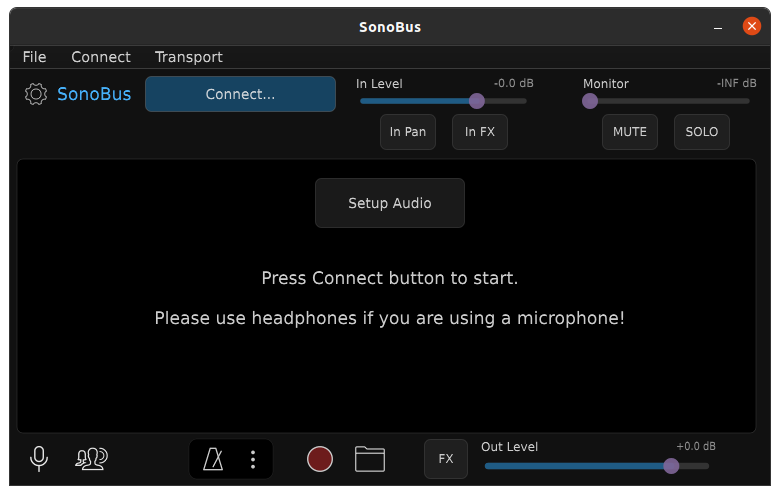
For those that, like me, didn’t know about SonoBus, it’s an “easy to use application for streaming high-quality, low-latency peer-to-peer audio between devices over the internet or a local network”.
[Read More]
Scanning Frustration
Posted on Sat, Feb 20, 2021 (Last modified on Sat, Mar 21, 2026)
| Alan Pope
“Printers are devices for causing pain and frustration. They also sometimes print stuff out.”
- Me, many times over the years.
I have an HP LaserJet 100 MFP M175nw networked laser printer / scanner / copier. I’ve had it since 2013 where it’s generally worked okay most of the time. We don’t print a ton of things in this house, but when we do, it’s typically urgently required for work or school. It can drop off the network now and then, or just refuse to print sometimes. It’s always useful when it works, and frequently frustrating when it doesn’t.
[Read More]
Spotty Connection
Posted on Thu, Feb 18, 2021 (Last modified on Sat, Mar 21, 2026)
| Alan Pope
I had a few days off work this week. It was very enjoyable to spend a bit more time with the family, doing some jobs around the house, going for walks, and generally nothing else, thanks to The Event.
However, in the quiet moments I still find myself browsing around, stumbling on new software I know will be enjoyed by my friends on Linux, and feel compelled to package it up, as a snap. This time around I found a post on /r/gnome about “Spot” a Gtk/Rust Spotify client.
[Read More]
All Ahead Stop
Posted on Tue, Feb 16, 2021 (Last modified on Sat, Mar 21, 2026)
| Alan Pope
Well, things have escalated in Ubuntu-land since the posts I made on Monday and Tuesday! The Ubuntu archive for Hirsute (the in-development version which will become 21.04) has been temporarily frozen.
It seems there’s a rather knarly bug in the tools used to build packages, which is causing them to be “mis-built” - i.e. broken. I (and others) noticed this over the weekend, via a breakage in snapd - the daemon which mediates the installation and running of snaps.
[Read More]
Going Backwards
Posted on Mon, Feb 15, 2021 (Last modified on Sat, Mar 21, 2026)
| Alan Pope
Yesterday I wrote about how I made a mistake by updating my primary Ubuntu computer to include the proposed pocket. I shouldn’t have done this. So today I quickly hacked together a script to take any packages which came from proposed and “downgrade” them back to the release pocket. It’s not pretty, but it worked, for me.
#!/bin/bash

TMPDIR=$(mktemp -d)
PACKAGES=$TMPDIR/packages
DOWNGRADE=$TMPDIR/downgrade

# Get list of all installed packages
dpkg -l | grep ^ii | awk -F ' ' '{ print $2}' > $PACKAGES

# Start the downgrade script
echo  "sudo apt install \\" > $DOWNGRADE

# For each package in the list of installed packages
while read p; do
  # Get the summary of where the package came from
  apt-cache policy $p > $TMPDIR/$p
  # Get the line after (grep -A 1 and tail -n 1) the highlighted one with 3 stars
  SOURCE=$(grep -A 1 "^\ *\*\*" $TMPDIR/$p | tail -n 1 | awk -F ' ' '{ print $3}' )
  # If that line suggests we got the package from proposed, add it to the script
  if [[ "$SOURCE" == *"hirsute-proposed"* ]]; then
    echo "$p/hirsute \\" >> $DOWNGRADE
  fi
done <$PACKAGES
# Tell the user what to run to actually do the downgrade
echo "Run sh $DOWNGRADE"
Don’t use this. As they say on YouTube, this script is for educational purposes only. There’s probably a thousand ways to make this more elegantly. Indeed I tried a suggestion on AskUbuntu which didn’t work at all.
[Read More]
Don't Use Proposed
Posted on Sun, Feb 14, 2021 (Last modified on Sat, Mar 21, 2026)
| Alan Pope
This is a short and sweet post to remind future me (and anyone else reading) not to use the “proposed” pocket of the Ubuntu Archive, if you want a bug-free and safe experience.
For those not “in the know”, each Ubuntu release has a bunch of pockets. If you’ve ever fiddled with your sources.list you may have seen the names updates, backports, security and proposed. These are usually prefixed with the codename of the release, such as hirsute-updates and hirsute-proposed for the current in-development version of Ubuntu, to become the interim release 21.04.
[Read More]
Command-Line only Laptop
Posted on Tue, Feb 9, 2021 (Last modified on Sat, Mar 21, 2026)
| Alan Pope
Today, I’m following along from an earlier article “The Allure of The Terminal” where I talked about how I love the terminal aesthetic. How much, well, one of my computers is a command-line only install. I thought I’d talk a bit about that setup. Firstly, it’s not command-line only because it can’t run a graphical environment, although it isn’t a super modern system. It is certainly capable of running Ubuntu MATE, for example, I just choose not to.
[Read More]
The Allure of The Terminal
Posted on Mon, Feb 8, 2021 (Last modified on Sat, Mar 21, 2026)
| Alan Pope
Why is this interface so alluring?
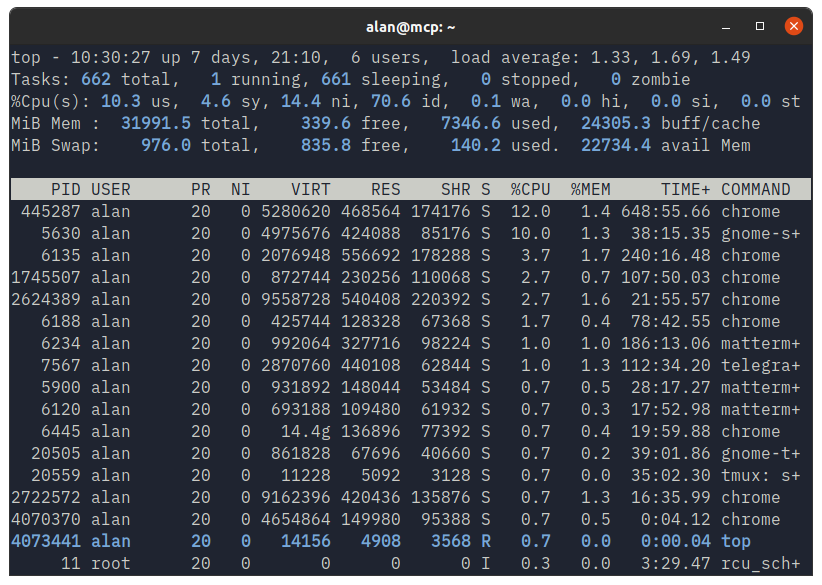
Okay, so that blank window might not be, let’s fill it with something more interesting. How about top.
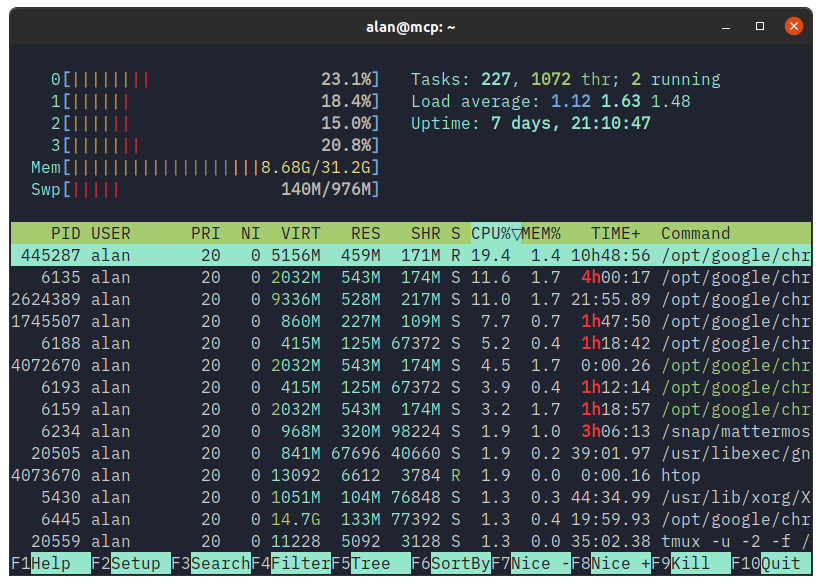
… or htop …
… or bpytop …
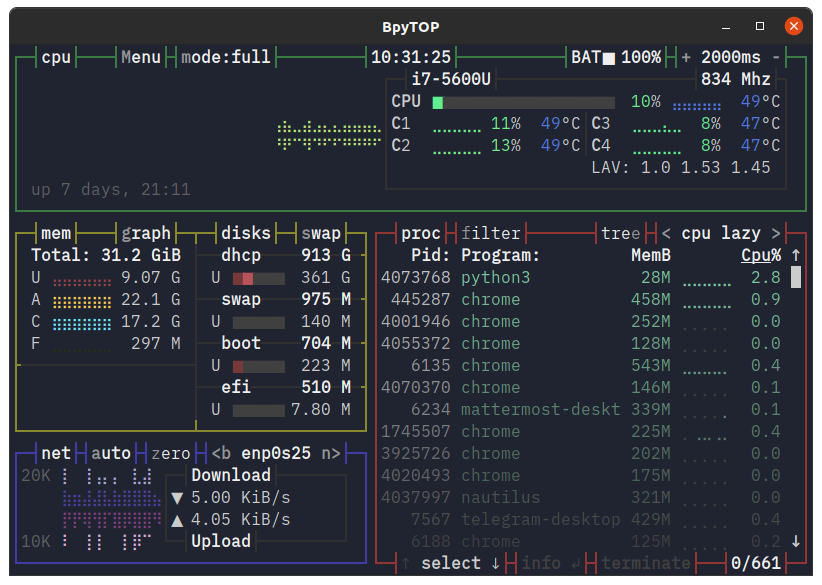
… or Dwarf Fortress?
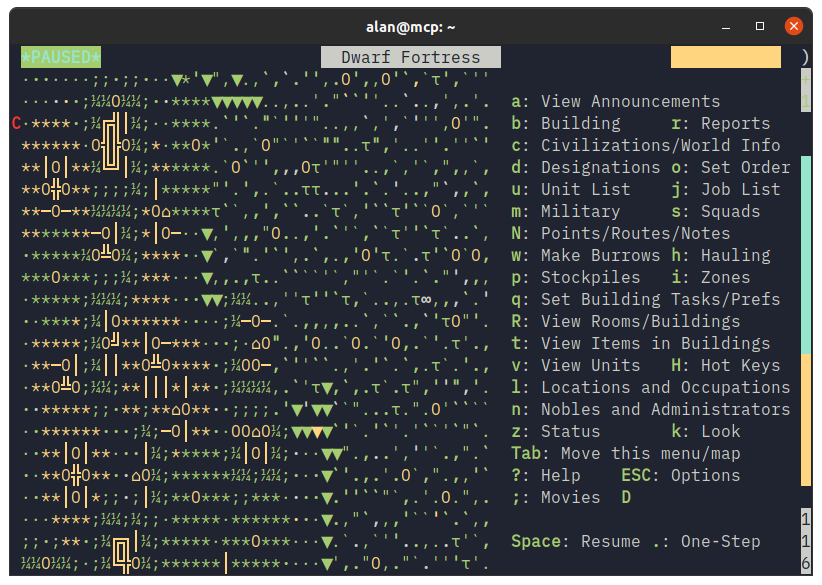
Ignore for a moment it’s a GNOME Terminal window on Ubuntu with the Yaru theme, it’s the contents of the window that’s alluring to me. That and the IBM Plex font showing it off so well.
[Read More]