Spotty Connection
Posted on Thu, Feb 18, 2021 (Last modified on Sat, Mar 21, 2026)
| Alan Pope
I had a few days off work this week. It was very enjoyable to spend a bit more time with the family, doing some jobs around the house, going for walks, and generally nothing else, thanks to The Event.
However, in the quiet moments I still find myself browsing around, stumbling on new software I know will be enjoyed by my friends on Linux, and feel compelled to package it up, as a snap. This time around I found a post on /r/gnome about “Spot” a Gtk/Rust Spotify client.
[Read More]
Migrating Two Factor Auth
Posted on Wed, Feb 17, 2021 (Last modified on Sat, Mar 21, 2026)
| Alan Pope
I use a ton of services which either require or recommend 2fa as part of the authentication process. I used to use “Google Authenticator” then more recently “Authenticator Plus”. However Authenticator Plus seems to be no longer maintained. So while I have no problems with it, I think it is time to migrate to something else.
Step up, Aegis Authenticator, a free, open source authenticator app, available on the play store, and F-Droid.
Migration was a cinch! Aegis can import the password-protected zip file backup exports created by Authenticator Plus. What I did was open Authenticator Plus, go to Menu -> Settings -> Backup & Restore -> Export as Text and HTML. I entered a unique password, which is used to encrypt the zip file in which the backup is put. Once I clicked “Ok” I then found somewhere to stash the zip file.
[Read More]
All Ahead Stop
Posted on Tue, Feb 16, 2021 (Last modified on Sat, Mar 21, 2026)
| Alan Pope
Well, things have escalated in Ubuntu-land since the posts I made on Monday and Tuesday! The Ubuntu archive for Hirsute (the in-development version which will become 21.04) has been temporarily frozen.
It seems there’s a rather knarly bug in the tools used to build packages, which is causing them to be “mis-built” - i.e. broken. I (and others) noticed this over the weekend, via a breakage in snapd - the daemon which mediates the installation and running of snaps.
[Read More]
Going Backwards
Posted on Mon, Feb 15, 2021 (Last modified on Sat, Mar 21, 2026)
| Alan Pope
Yesterday I wrote about how I made a mistake by updating my primary Ubuntu computer to include the proposed pocket. I shouldn’t have done this. So today I quickly hacked together a script to take any packages which came from proposed and “downgrade” them back to the release pocket. It’s not pretty, but it worked, for me.
#!/bin/bash

TMPDIR=$(mktemp -d)
PACKAGES=$TMPDIR/packages
DOWNGRADE=$TMPDIR/downgrade

# Get list of all installed packages
dpkg -l | grep ^ii | awk -F ' ' '{ print $2}' > $PACKAGES

# Start the downgrade script
echo  "sudo apt install \\" > $DOWNGRADE

# For each package in the list of installed packages
while read p; do
  # Get the summary of where the package came from
  apt-cache policy $p > $TMPDIR/$p
  # Get the line after (grep -A 1 and tail -n 1) the highlighted one with 3 stars
  SOURCE=$(grep -A 1 "^\ *\*\*" $TMPDIR/$p | tail -n 1 | awk -F ' ' '{ print $3}' )
  # If that line suggests we got the package from proposed, add it to the script
  if [[ "$SOURCE" == *"hirsute-proposed"* ]]; then
    echo "$p/hirsute \\" >> $DOWNGRADE
  fi
done <$PACKAGES
# Tell the user what to run to actually do the downgrade
echo "Run sh $DOWNGRADE"
Don’t use this. As they say on YouTube, this script is for educational purposes only. There’s probably a thousand ways to make this more elegantly. Indeed I tried a suggestion on AskUbuntu which didn’t work at all.
[Read More]
Don't Use Proposed
Posted on Sun, Feb 14, 2021 (Last modified on Sat, Mar 21, 2026)
| Alan Pope
This is a short and sweet post to remind future me (and anyone else reading) not to use the “proposed” pocket of the Ubuntu Archive, if you want a bug-free and safe experience.
For those not “in the know”, each Ubuntu release has a bunch of pockets. If you’ve ever fiddled with your sources.list you may have seen the names updates, backports, security and proposed. These are usually prefixed with the codename of the release, such as hirsute-updates and hirsute-proposed for the current in-development version of Ubuntu, to become the interim release 21.04.
[Read More]
Messaging Overload
Posted on Sat, Feb 13, 2021 (Last modified on Sat, Mar 21, 2026)
| Alan Pope
How many chat/messaging systems is too many?
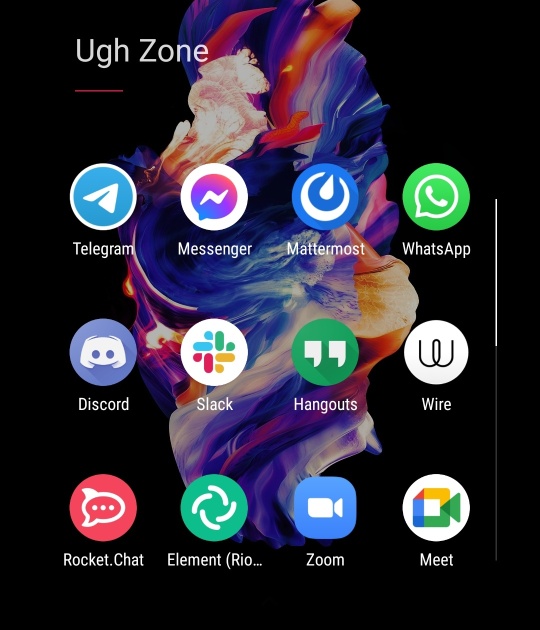
Note the scrollbar. There’s more below the fold.
I still chat to some friends and open source contacts on IRC. I’m in a channel I’ve been in for nearly twenty years continuously with some long time friends I don’t really talk to elsewhere.
Internal company chat is Mattermost, and a couple of other projects use it. I have the Mattermost client open all day every work day, then close it outside those hours.
[Read More]
Mastodon Instances, Everywhere
Posted on Thu, Feb 11, 2021 (Last modified on Sat, Mar 21, 2026)
| Alan Pope
Mastodon is interesting. It’s “free and open-source software for running self-hosted social networking services.”. To any normal personal that’s “Open Source Twitter”, largely.
Anyone can grab the code and spin up their own Mastodon instance. I put one up a year or so ago, but unfortunately I didn’t have the time or resources to maintain it, so I shut it down. Maybe it will return.
Currently I’m using the mastodon.social instance, so that makes me https://mastodon.social/@popey - but other instances are available. Boy, there are a lot of them!
[Read More]
Command-Line only Laptop
Posted on Tue, Feb 9, 2021 (Last modified on Sat, Mar 21, 2026)
| Alan Pope
Today, I’m following along from an earlier article “The Allure of The Terminal” where I talked about how I love the terminal aesthetic. How much, well, one of my computers is a command-line only install. I thought I’d talk a bit about that setup. Firstly, it’s not command-line only because it can’t run a graphical environment, although it isn’t a super modern system. It is certainly capable of running Ubuntu MATE, for example, I just choose not to.
[Read More]
The Allure of The Terminal
Posted on Mon, Feb 8, 2021 (Last modified on Sat, Mar 21, 2026)
| Alan Pope
Why is this interface so alluring?
Okay, so that blank window might not be, let’s fill it with something more interesting. How about top.
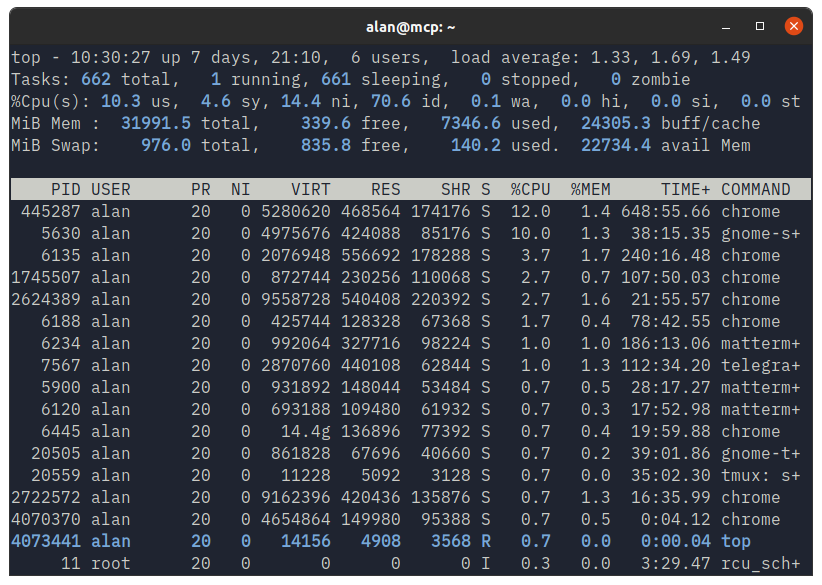
… or htop …
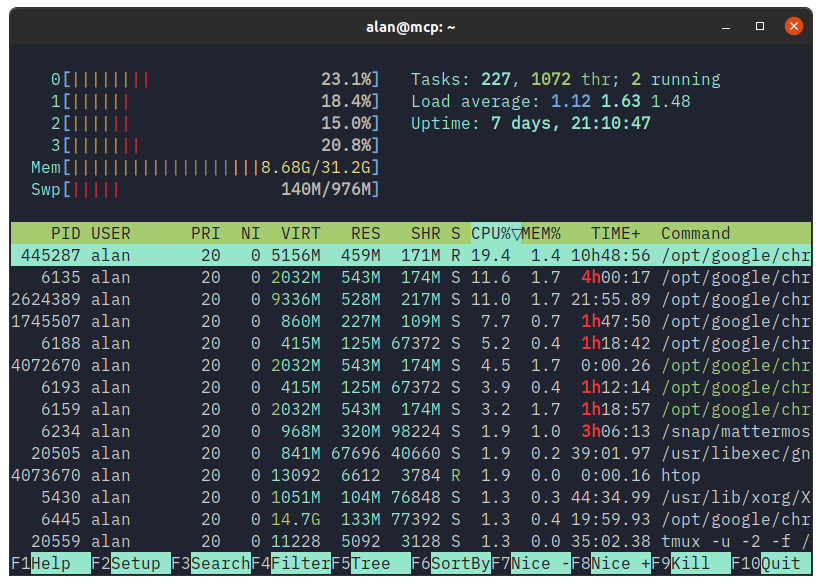
… or bpytop …
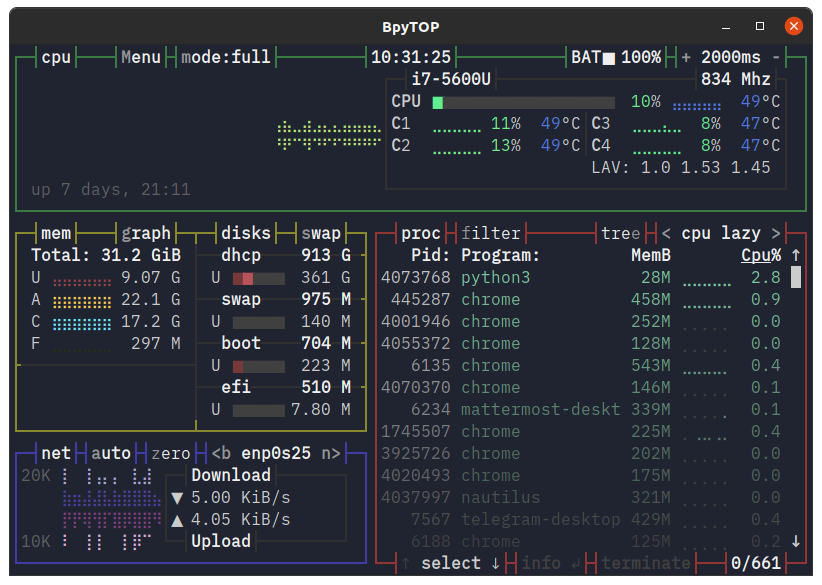
… or Dwarf Fortress?
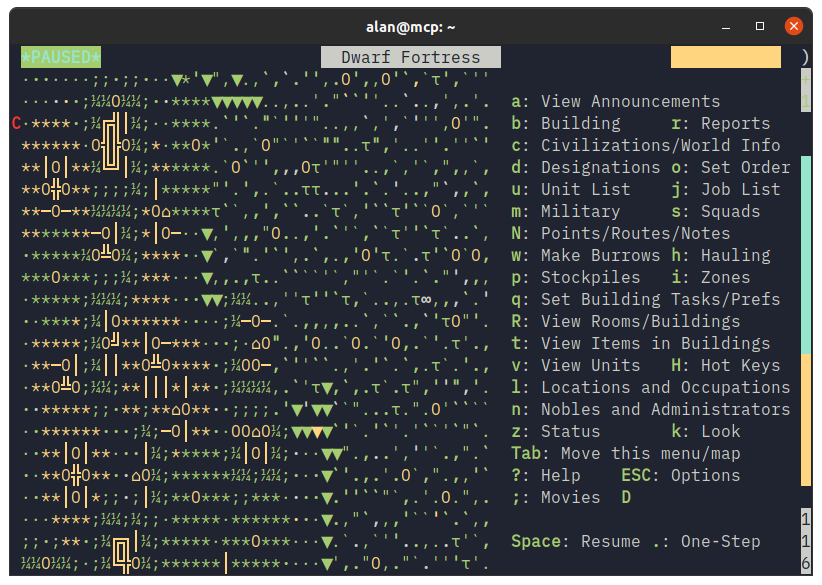
Ignore for a moment it’s a GNOME Terminal window on Ubuntu with the Yaru theme, it’s the contents of the window that’s alluring to me. That and the IBM Plex font showing it off so well.
[Read More]
Chromium on Linux
Posted on Sun, Feb 7, 2021 (Last modified on Sat, Mar 21, 2026)
| Alan Pope
Rumours are swirling in Linux circles that some prominent distributions are preparing to remove the Open Source Chromium web browser from their archives.
This appears to have come about because of a change being made by Google, which reduces functionality in third party chromium-based browsers. Chromium (perhaps unsurprisingly) falls into this category. While the proprietary Google Chrome is built on the same technology as the open source Chromium browser, they’re not the same.
[Read More]